Your CMS plays it.
We prove who watched it.
DisplayPulse never competes with the CMS or kiosk software you sell. Read the live audience from our sensor, keep the content relationship, and give every client screen a measured audience.
- HTTP APIGET /audience/current · POST /now-playing
- BLE broadcastaudience snapshot advertised every ~2s
- Android broadcastAUDIENCE_UPDATE · PERSON_ENTERED / LEFT
No CMS conflict, structurally.
DisplayPulse is built to measure the audience and manage the device — never to schedule or design signage content. Whatever CMS or kiosk platform you sell today keeps doing its job; DisplayPulse adds the analytics and reliability layer underneath it.
Make your platform audience-aware.
Any external screen or player integrates over the network (HTTP API) or over the air (BLE) — and if your app runs on our approved hardware, it gets local Android broadcasts too, including instant person-entered / person-left events. Your platform reads who's watching and decides what to play; then it tells us what played, so every impression carries verified proof-of-play.
Live audience API
An authenticated local API on the sensor itself. Poll the live audience snapshot, pull campaign and proof-of-play reports, or push what’s playing.
GET /audience/current
POST /now-playing
GET /reports/campaign/{id} BLE audience broadcast
The sensor broadcasts a compact live-audience snapshot over Bluetooth LE — no pairing, no connection, no network. Ideal for smart displays that can’t run apps: the screen just listens.
viewers · gender & age counts
vehicle counts · tier-gated
Android broadcasts
When your CMS or player app runs on our approved hardware, our background service broadcasts to it locally: periodic audience updates plus instant person-entered / person-left events.
AUDIENCE_UPDATE
PERSON_ENTERED / PERSON_LEFT
Documented integration guides & sandbox licences for approved technology partners.
Live in about a week — without touching your CMS.
- 1 · RegisterApply below — approved technology partners get docs and sandbox licences.
- 2 · ProvisionWe issue demo licences; you enrol devices in minutes.
- 3 · ConnectPoint your CMS or player at the audience API, BLE broadcast or Android intents.
- 4 · LiveTypically inside a week. You keep the content relationship.
{
  "people_count": 7, "viewers": 3,
  "gender": { "male": 4, "female": 3 },
  "age": { "adult": 4, "matureAdult": 2, "senior": 1 },
  "reach": 1204, "engagement": 0.29,
  "active_campaign_id": "brand-summer-25"
} Tag the play. We build the campaign report.
Your CMS stays the source of truth for what plays. Each time content changes, tell the sensor what's on screen — that's the whole integration. Every audience window from that moment is attributed to that campaign and creative, and the campaign appears in the DisplayPulse dashboard automatically, ready for flight targets, pacing and the exportable report.
{
  "campaign_id": "brand-summer-25",
  "creative_id": "v2-30s",
  "advertiser": "BrandName"
} - You tag each playcampaign, creative and advertiser — via HTTP or the NOW_PLAYING broadcast on-device.
- We attribute the audienceimpressions, viewers, demographics and dwell are logged against that campaign and creative, per screen.
- The campaign builds itselfit appears in the dashboard on first play; flight end-date and targets are managed there, not in your code.
- Proof of Reach comes back outcampaign, creative and timeslot reports — plays plus the measured audience — as JSON or CSV from the device API, or exported from the dashboard.
Tell us about your platform.
CMS, kiosk software or player platform — tell us what you run and we'll set up docs, sandbox licences and an integration call.
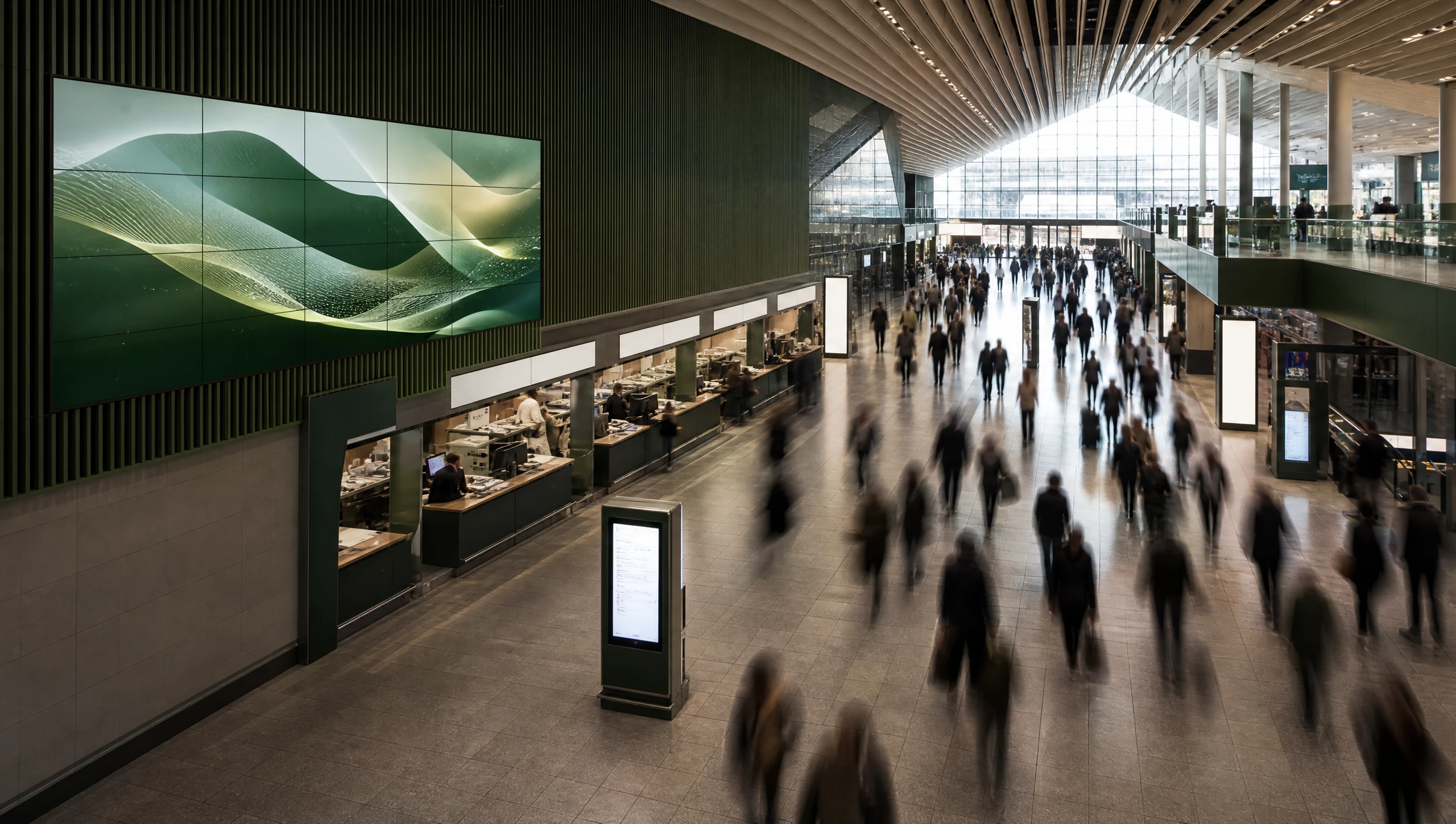
Estates like this are already asking who watched.
your CMS decides the content · our sensor supplies the audience · every play logged
Integrations, answered plainly
Will DisplayPulse conflict with the CMS we already sell?
No. DisplayPulse is never a CMS or signage scheduler — it is the measurement and fleet-management layer that sits alongside whatever CMS your client already runs.
How does content triggering actually work?
Your CMS stays in charge of content. It reads the live audience from the sensor — over the local API, BLE broadcast or Android broadcasts — and decides what to play. It then tells DisplayPulse what played, so every impression carries verified proof-of-play.
What if the screen can’t run our app or reach the network?
Use the BLE audience broadcast: the sensor advertises a compact live-audience snapshot every couple of seconds and the display just listens — no pairing, no connection, no network dependency.
How do we report campaigns and creatives for campaign reporting?
Each time content changes, POST /now-playing (or fire the NOW_PLAYING broadcast if your app runs on the device) with the campaign, creative and advertiser identifiers. Every audience window from that moment is attributed to them, and the campaign appears in the DisplayPulse dashboard automatically on its first play. Flight end-dates and delivery targets are then managed in the dashboard — nothing more to build on your side.
Do we get documentation and a sandbox?
Yes — approved technology partners receive documented integration guides and sandbox licences to build and test against before anything touches a client estate.
Is DisplayPulse a content management system (CMS)?
No. DisplayPulse is the measurement and management layer that works alongside whatever CMS you already use. We measure the audience and manage the devices; we never schedule or design the content on your screens.
Add measurement to every screen you power.
Apply above, or book a call to talk through your platform.
No faces stored · Edge-processed on-device · GDPR-ready · Cancel anytime